

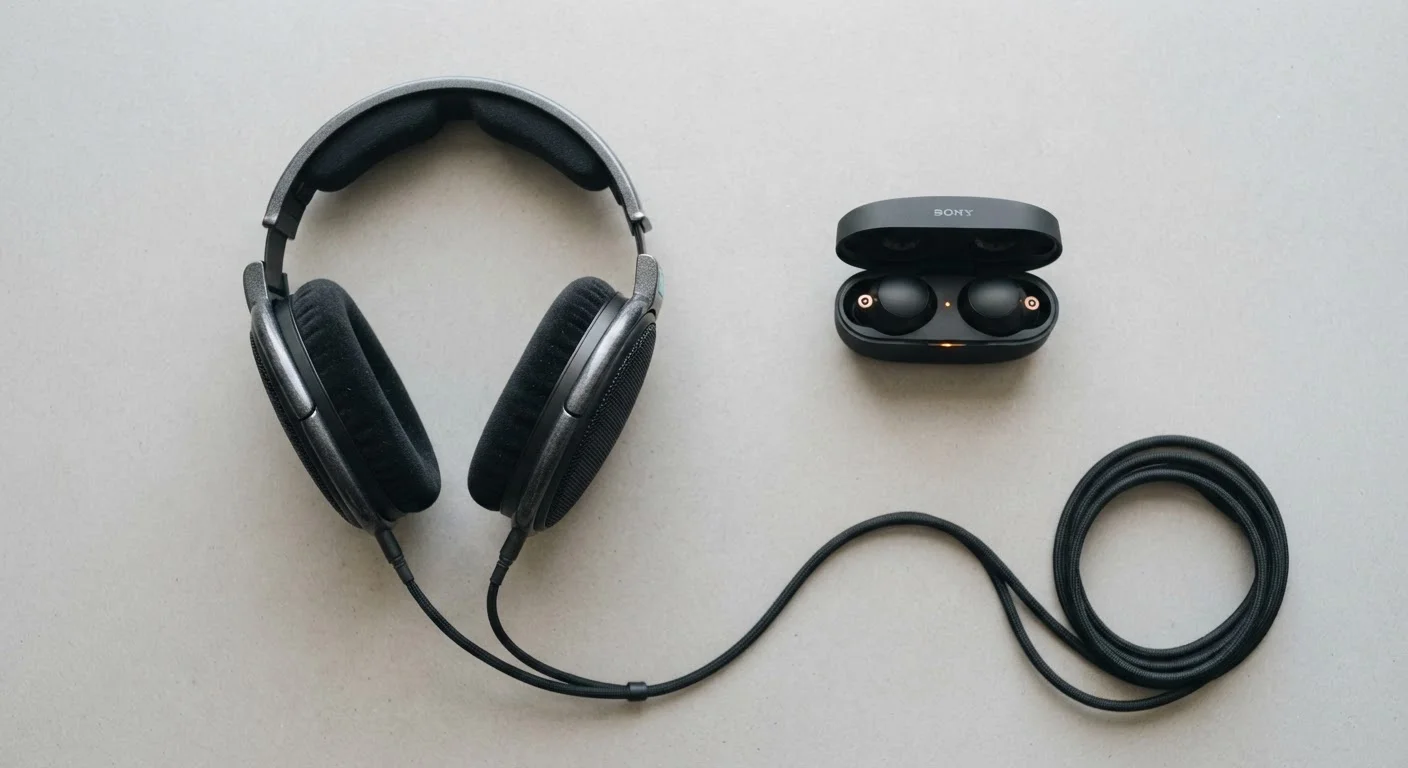
How Each Connection Carries Sound to Your Ears
The fundamental difference between wired and Bluetooth headphones isn't the drivers or the ear cushions - it's how the audio signal travels from your device to the headphone itself.
With a wired connection, audio is converted from a digital file into an analog electrical signal inside your phone, laptop, or DAC (digital-to-analog converter), then sent directly through the cable to the headphone driver. There's no encoding, no decoding, and no wireless transmission in between. What comes out of your audio source is essentially what hits your ear.
Bluetooth works differently. Your device encodes the audio into a compressed digital format using a codec - think of it as a packing-and-unpacking system. The compressed signal transmits wirelessly to the headphone, where it's decoded and converted to analog. Every step in that chain can introduce small changes to the audio. Understanding this helps explain why the two technologies sound and behave differently in practice.
What Is a DAC and Why Does It Matter?
A DAC (digital-to-analog converter) is the component that translates digital audio files into the analog signal your headphone driver actually uses to produce sound. Every phone and laptop has one built in, but their quality varies. Wired headphones rely entirely on your device's DAC; Bluetooth headphones contain their own internal DAC, which means the headphone's hardware partly determines the output quality - independent of your source device.
The Codec Question: Why Not All Bluetooth Audio Sounds the Same
Not all Bluetooth headphones compress audio the same way. The codec used - the algorithm that packs and unpacks the audio - has a significant impact on the final sound quality.
The most basic codec, SBC, ships as the universal Bluetooth fallback and applies noticeable compression. AAC is common on Apple devices and generally sounds better than SBC for most listeners. More advanced options like aptX, aptX HD, and LDAC are designed for higher-bitrate transmission, and LDAC in particular supports up to 990 kbps - enough to carry high-resolution audio files with much less data loss.
The catch: both your source device and your headphones need to support the same codec. If your phone only outputs AAC and your headphones support LDAC, the connection defaults to the shared standard, which may be SBC. Checking codec compatibility before buying is worth the two minutes it takes.
| Criterion | Wired Headphones | Bluetooth Headphones |
|---|---|---|
| Audio compression | None - full signal transmitted | Codec-dependent compression applied |
| Latency | Near-zero (<1ms) | Typically 100-300ms (varies by codec) |
| Susceptibility to interference | None | Can drop or degrade in crowded RF environments |
| Hi-res audio support | Full lossless passthrough | Partial with LDAC; limited with SBC/AAC |
| Battery required | No | Yes - typical range 20-40 hours |
| Freedom of movement | Limited by cable length | Up to ~30 feet from source |
| Device compatibility | Requires audio jack or adapter | Works with any Bluetooth-enabled device |
Latency: The Delay You Might Not Notice - Until You Do
Wired headphones introduce latency measured in fractions of a millisecond - effectively imperceptible. Bluetooth introduces more: typically between 100 and 300 milliseconds depending on the codec and device, though some low-latency modes can push below 40ms.
For music and podcasts, this delay is invisible - you're not watching anything that needs to sync with the audio. But for watching video, playing games, or recording with a microphone, even a 150ms delay becomes obvious as audio drifts out of sync with visuals or your own voice. Many video streaming apps compensate automatically, which is why Bluetooth usually feels fine for Netflix. Gaming is where it becomes a real obstacle.
If latency is a concern for your use case, look for headphones that advertise a dedicated low-latency mode and verify the delay figure, since marketing claims vary widely. The wired vs. wireless debate applies to headphones much the same way it does to home networking - convenience has a tradeoff.
Real-World Sound Quality: What Most Listeners Actually Hear
In controlled listening tests with high-quality sources, trained listeners can generally distinguish a wired connection from a lower-codec Bluetooth connection. But in everyday use - commuting, working, exercising - the gap narrows considerably, and sometimes disappears entirely.
Factors that shape real-world Bluetooth quality include the strength of the Bluetooth signal (interference from Wi-Fi, walls, and crowded spaces all matter), the quality of the headphone's internal DAC and amplifier, and how the source file was compressed to begin with. A highly compressed MP3 streaming at low bitrate will sound similar whether you use wired or Bluetooth - both are limited by the source quality.
High-resolution audio is the clearest exception. If you're listening to lossless FLAC files through a dedicated DAC, a wired headphone connection will consistently preserve more of that audio data than Bluetooth - even with LDAC. For casual listeners, though, this is a distinction that matters less than the quality of the headphone drivers themselves. As noted in our piece on home speaker myths, the connection type is rarely the weakest link in a typical consumer audio setup.
990 kbps
Maximum LDAC Bluetooth bitrate
Sony's LDAC codec, supported in Android 8.0 and later, can transmit audio at up to 990 kbps - roughly three times the bandwidth of standard SBC.
~150ms
Typical Bluetooth audio delay
Standard Bluetooth audio (SBC codec) typically introduces around 150-200ms of latency, according to published codec specification data.
<40ms
Low-latency Bluetooth mode delay
Certain codecs and headphone modes advertise sub-40ms latency, though real-world performance depends on both devices involved.


