

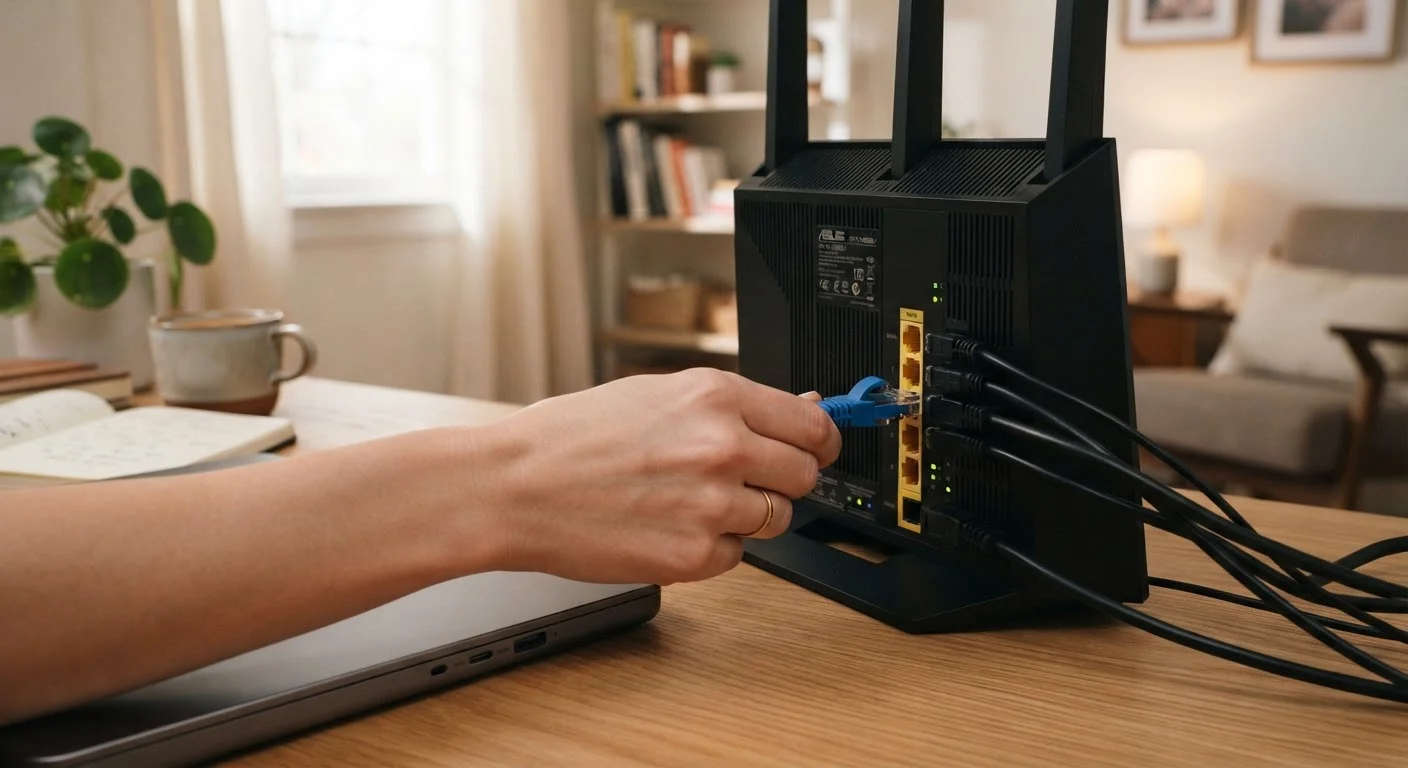
What Actually Separates Wired and Wireless Connections
Wi-Fi has improved dramatically over the past decade, and for most everyday tasks it works just fine. But ethernet - the old-fashioned approach of plugging a cable directly into your router or a network switch - still holds real advantages that wireless simply cannot replicate.
The core difference comes down to three things: latency, consistency, and interference. Latency is the tiny delay between sending a request and receiving a response - think of it as network reaction time. Ethernet latency is typically very low and predictable. Wi-Fi latency can fluctuate depending on signal strength, distance from the router, and how many other devices are competing for the same airwaves.
Consistency matters too. A wired connection delivers roughly the same speed at 2 a.m. as it does during the evening rush when every device in the house is active. Wi-Fi speeds can drop noticeably during peak usage. And wireless signals are vulnerable to interference from neighboring networks, microwaves, and even building materials like concrete walls.
To understand how your router and network fit together in the first place, see our plain-English breakdown of how home networks work.
| Criterion | Ethernet (Wired) | Wi-Fi (Wireless) |
|---|---|---|
| Latency | Very low and consistent | Variable, can spike under load |
| Speed consistency | Stable regardless of network traffic | Drops during peak usage |
| Interference | None - signal travels through cable | Affected by walls, appliances, neighbors |
| Setup convenience | Requires running cables | Works anywhere in signal range |
| Device mobility | Device must stay near cable port | Full freedom to move around |
| Best suited for | Gaming, desktops, smart TVs | Phones, tablets, smart home devices |
| Cost to set up | Cable + possible switch or wall ports | Included with router - no extras needed |
When Ethernet Still Makes a Meaningful Difference
Not every device in your home needs a cable. But a handful of use cases genuinely benefit from the stability ethernet provides.
Online Gaming and Video Calls
Competitive gaming and video conferencing are among the most latency-sensitive activities you can do on a home network. A few extra milliseconds of delay might be imperceptible during casual browsing but can cause visible lag in fast-paced games or choppy audio on a video call. Plugging a gaming console or work laptop directly into your router is one of the simplest performance upgrades available - no new hardware needed.
Smart TVs and Streaming Devices
A 4K stream can consume significant bandwidth. When multiple family members are online simultaneously, Wi-Fi congestion can cause buffering even on a capable router. A wired smart TV removes that device from the wireless competition entirely, often solving buffering issues without any other changes.
Desktop Computers and Home Offices
Desktop PCs don't move, so there's no practical reason not to connect them via ethernet. Large file transfers, cloud backups, and video uploads all complete faster and more reliably over a wired connection.
~1-5 ms
Typical ethernet latency in home networks
Wired connections commonly achieve round-trip latency well under 10 milliseconds on a standard home network, compared to 20-50 ms or more over Wi-Fi.
~30%
Potential Wi-Fi speed loss through interior walls
Signal attenuation through common building materials can reduce effective Wi-Fi throughput noticeably, especially on the 5 GHz band.
10+ devices
Average connected devices in a U.S. home
As more gadgets compete for wireless airtime, congestion becomes a real factor - making ethernet offloading for heavy-use devices more valuable.
Network-Attached Storage (NAS) Devices
If you use a NAS - a small box that stores files for everyone on your home network - ethernet is almost always the right choice. Wireless NAS access is noticeably slower and less stable, especially when transferring large files.
Where Wi-Fi Is the Smarter Choice
Despite ethernet's performance edge, wireless remains the right answer for most devices in most homes.
Smartphones, tablets, and laptops that move between rooms are obvious Wi-Fi candidates - running a cable to them would defeat the purpose. Smart home devices like thermostats, sensors, and voice assistants use very little bandwidth and aren't sensitive to minor latency variations, making them ideal wireless candidates.
Guest devices are another category where Wi-Fi makes sense. You're not going to hand every visitor a cable, and the occasional browsing or video call doesn't justify it. If your Wi-Fi coverage has gaps, improving your wireless setup is usually more practical than routing cables. Our comparison of mesh systems vs. Wi-Fi extenders explains which approach fits different homes.
It's also worth noting that the frequency band your router uses affects performance. Understanding what 2.4 GHz and 5 GHz mean for your devices can help you connect devices to the right band and reduce unnecessary congestion.
You Don't Have to Choose One or the Other
Most home networks work best as a hybrid: ethernet for stationary, high-demand devices, and Wi-Fi for everything else. Even connecting just one or two devices - your gaming console or desktop - via cable can measurably reduce congestion for every wireless device in the house. A basic network switch (a small box that adds more wired ports) makes this easy if your router only has a few ethernet ports available.


