

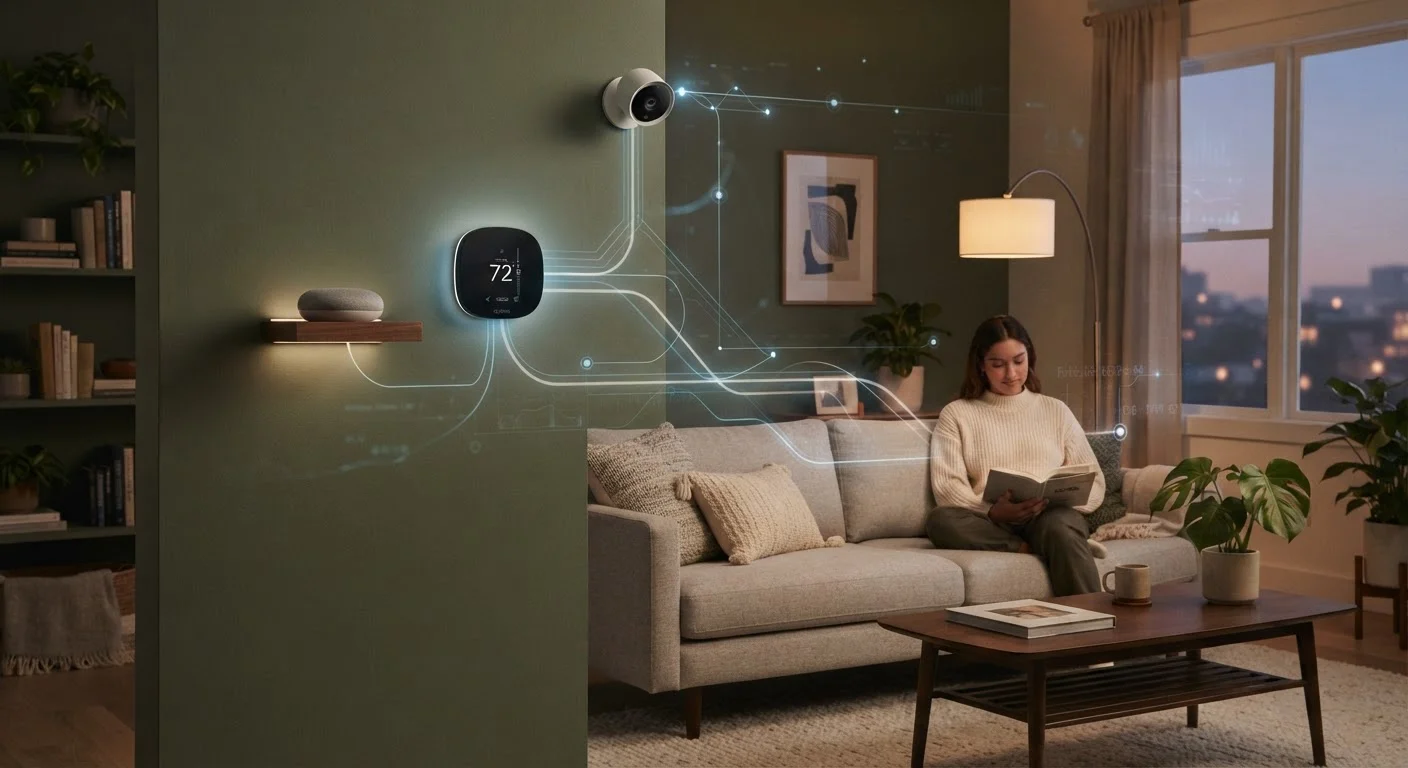
What Smart Home Devices Are Actually Collecting
Smart home devices do far more than respond to your commands. Behind every voice request, thermostat adjustment, or doorbell ring, data is being generated, stored, and - in most cases - transmitted to a company's servers.
Here's what different device categories typically gather:
- Smart speakers and displays: Audio snippets (sometimes including seconds before a wake word), device usage frequency, music and shopping preferences, and linked account activity.
- Smart thermostats: When you're home, when you sleep, daily schedules, and HVAC usage patterns - a surprisingly detailed picture of your household routine.
- Video doorbells and cameras: Continuous or motion-triggered video footage, facial recognition data (where enabled), and visitor timestamps.
- Smart plugs and lights: Device on/off patterns that reveal when rooms are occupied and how long appliances run.
Much of this data is used to improve device performance or personalize your experience - but it's also used to build advertising profiles, and portions are commonly shared with third-party partners. For a broader look at who ends up with your personal data, see what data brokers know about you.
70%+
Smart home devices that share data with third parties
Research from consumer privacy advocacy groups has consistently found the majority of popular smart home devices send data to multiple third-party domains, often without clear disclosure during setup.
3-5 min
Average time to audit smart home app permissions
Reviewing and adjusting permissions across a typical smart home app takes only a few minutes but can meaningfully reduce ongoing data collection.
Best Practices for Limiting Smart Home Data Collection
You don't have to unplug everything to protect your privacy. A few targeted habits go a long way.
Read the privacy policy before you buy or set up a device.
Privacy policies tell you exactly what a manufacturer collects, how long they keep it, and who they share it with. This is the single most reliable way to set realistic expectations before a device enters your home.
Audit and restrict app permissions immediately after setup.
Companion apps for smart devices often request access to your microphone, contacts, location, and camera by default - far beyond what's needed for basic function. Granting fewer permissions reduces how much data the app can gather.
Regularly delete stored voice recordings from your account.
Smart speakers save audio clips to improve voice recognition. These recordings can accumulate over months or years. Periodically clearing them limits long-term data retention tied to your account.
Put smart home devices on a separate Wi-Fi network (a guest network or VLAN).
Isolating smart devices from your main network limits the damage if a device is compromised. It also prevents devices from communicating with other computers or phones on your primary network.
Disable features you don't actively use - especially always-on microphones and facial recognition.
Every active feature is a potential data collection point. Turning off capabilities you don't use reduces your exposure without meaningfully affecting the experience.
Check your device manufacturer's privacy settings dashboard periodically.
Companies update their data practices and privacy controls over time, sometimes adding new sharing options that are enabled by default. A quarterly review ensures you haven't unknowingly opted into new data sharing.
Quick Steps You Can Take Right Now
If you want to start protecting your privacy today without diving deep into settings menus, these actions give you the most impact for the least effort.
For a more comprehensive foundation in digital privacy - including what data is collected across all your devices and accounts - our complete privacy starter guide is a useful next step. And if you're still building out your smart home setup, starting with a clear plan can help you make privacy-conscious choices from the beginning.


