

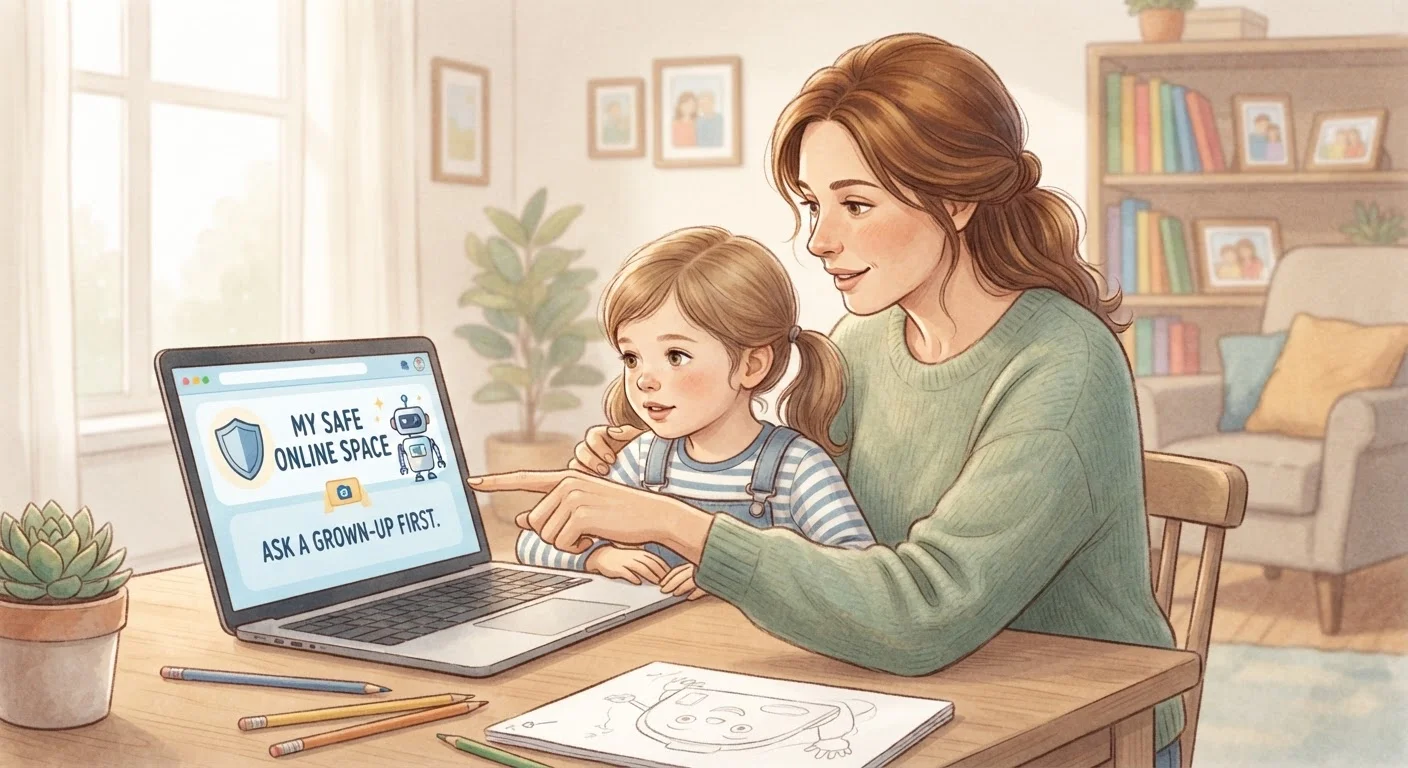
Why Digital Safety Starts With the Adults in the Room
Most children today go online before they start school. By the time they reach middle school, many have social media accounts, access to streaming platforms, and the ability to connect with strangers through games and apps. That's not a reason for alarm - but it is a reason to be prepared.
The good news: you don't need a technical background to help keep your child safer online. The tools available to parents have improved significantly, and the most effective protection combines those tools with honest, ongoing conversations. For a broader foundation on how data and privacy work in digital spaces, the complete starter's guide to online privacy is a helpful place to begin.
This Is General Guidance, Not a Guarantee
No tool or conversation can eliminate all online risks for children. The practices in this article reflect widely recognized safety guidance, but outcomes vary by child, platform, and situation. If you have concerns about a child's online safety or wellbeing, consider reaching out to a school counselor, pediatrician, or a trusted family resource.
Setting Up Parental Controls Without Getting Overwhelmed
Most smartphones, tablets, computers, and streaming services include built-in parental control features - no third-party app required. These tools generally let you filter content by age rating, set daily screen time limits, restrict app downloads, and review activity reports.
Enable built-in parental controls on every device your child uses.
Out-of-the-box controls on phones, tablets, and computers provide a meaningful first filter for inappropriate content and can limit how long and how late a child stays online. Using existing features avoids the cost and complexity of additional software.
Configure your home router to apply content filters network-wide.
Device-level controls only apply to the specific device they're set on. A router-level filter applies to every device - including gaming consoles and smart TVs - that connects to your home Wi-Fi.
Agree on clear, written household rules about online use.
Unspoken expectations lead to misunderstandings and inconsistency. A written agreement gives children a clear reference point and makes conversations about consequences more straightforward.
Keep devices used by young children in shared, visible spaces.
Physical visibility is one of the simplest and most effective oversight tools available. Children are less likely to encounter or seek out risky content when a parent or guardian is nearby.
Regularly check in - not to interrogate, but to stay connected.
Children who have open lines of communication with trusted adults are more likely to report uncomfortable or dangerous situations online. Regular, low-pressure check-ins build that trust over time.
On Apple devices, Screen Time (found in Settings) allows granular controls per app and per child. Android offers Family Link, which gives parents oversight of a child's Google account and device use. Routers - the box that manages your home internet - can also be configured to block certain categories of content for every device on the network, which is useful for smart TVs and gaming consoles.
For device-level security habits that benefit the whole household, see keeping everyday devices secure without becoming a tech expert.
Teaching Kids to Recognize Online Risks
Filters can't catch everything - and curious, tech-savvy kids often find workarounds. That's why the skills a child develops matter just as much as the controls you put in place.
Help children understand a few core concepts in plain terms: personal information (name, school, address, photos) should stay private online; messages or requests from people they don't know in real life deserve extra caution; and anything that makes them feel uncomfortable, scared, or pressured is worth telling a trusted adult about - without fear of getting in trouble.
Frame these conversations as safety skills, not punishment. Children who feel judged are less likely to report problems when they arise.
Keeping Rules Age-Appropriate and Revisiting Them Regularly
What's appropriate for a seven-year-old and a thirteen-year-old are very different things. A young child may only need access to a few curated apps under direct supervision. A teenager may benefit more from agreed-upon boundaries around privacy settings and who they communicate with online.
Consider creating a simple household agreement - sometimes called a family media plan - that outlines which platforms are allowed, when devices are put away (mealtimes, bedtime), and what happens if a rule is broken. Revisit it every six months or when a child moves into a new grade or life stage.
Social media privacy settings deserve particular attention as kids get older. The guide to locking down social media privacy settings walks through the controls on major platforms in plain language. Periodically reviewing your own accounts is worthwhile too - the personal online security audit checklist covers passwords, account access, and privacy settings in one place.
59%
Teens who have experienced online harassment
According to a Pew Research Center survey, roughly six in ten American teenagers report being harassed or bullied online at some point.
46%
Parents who have used parental controls
Pew Research Center found that fewer than half of parents of children under twelve reported actively using parental controls on their child's devices.


