

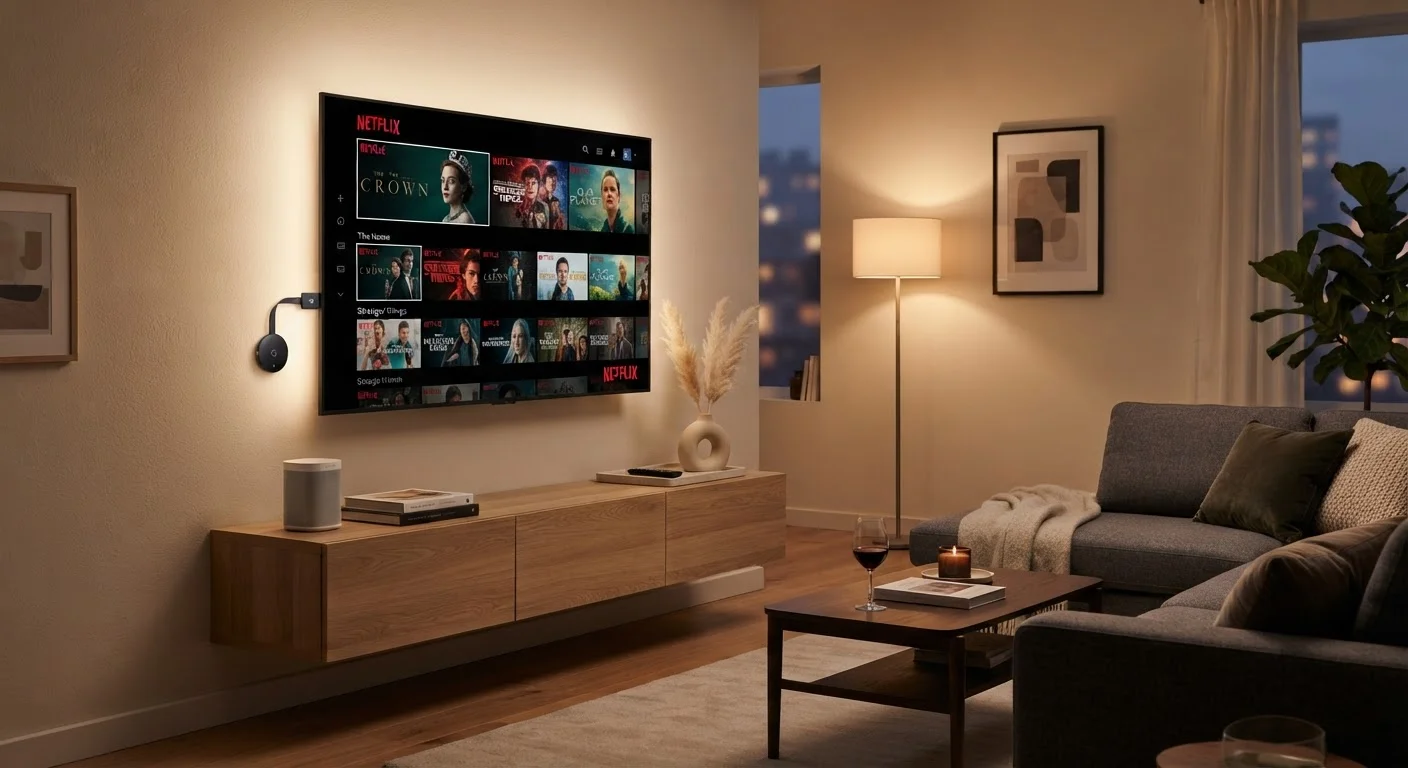
What Each One Actually Is
The terms get tossed around interchangeably, but they describe two fundamentally different things.
A smart TV is a television with a built-in computer. The operating system, streaming apps (like Netflix, Hulu, and YouTube), and Wi-Fi radio are all contained inside the TV itself. When you turn it on, you're not just getting a picture - you're running software that lives in the set.
A streaming stick (sometimes called a streaming dongle or media stick) is a small device, usually about the size of a USB drive, that plugs into your TV's HDMI port. It has its own processor, operating system, and wireless connection. Essentially, it turns any screen with an HDMI port into a smart TV - including older sets that have no built-in smarts at all.
Both connect to your home Wi-Fi and let you access streaming services. The difference is where the intelligence lives: inside the TV, or in a separate little device you plug in.
How They Compare Side by Side
Understanding the trade-offs is easier when you look at the two options across the same set of criteria.
| Criterion | Smart TV | Streaming Stick |
|---|---|---|
| Where the tech lives | Built into the television | Separate plug-in device |
| Works with any TV | No - it is the TV | Yes - any HDMI-equipped screen |
| Portability | Not portable | Highly portable, pocket-sized |
| Software update frequency | Varies; often slows over time | Generally more consistent |
| Upgradeability | Requires buying a new TV | Replace the stick only |
| Setup complexity | Minimal - built in | Low - plug in and connect Wi-Fi |
| Extra hardware needed | None | The stick itself |
| Remote control | TV remote included | Stick's own remote included |
One area worth pausing on is software updates. Smart TV manufacturers typically support their built-in operating systems for a few years after a model ships, but update cycles often slow significantly compared to dedicated streaming devices. A streaming stick, by contrast, is a product whose entire value proposition is its software - so manufacturers tend to push updates more consistently and for longer periods.
For a deeper look at how devices in your home can work together, see our piece on building a single smart home ecosystem.
Performance, Updates, and Longevity
Smart TVs have improved considerably in recent years, but they still face a structural challenge: the hardware is fixed at the time of purchase. If the built-in processor feels sluggish after three or four years - which is common, as apps grow heavier - your only options are to live with it or buy a new television.
A streaming stick sidesteps this problem neatly. If your stick starts feeling slow or stops receiving updates, you can replace just that device for a fraction of the cost of a new TV. Your screen stays the same; only the brains get swapped out.
4-6 years
Typical smart TV software support window
Industry observers generally note that most smart TV platforms receive active app and OS updates for roughly four to six years after a model's release date.
~60%
U.S. households with at least one streaming device
According to Leichtman Research Group data, a substantial majority of American TV households use some form of connected streaming device or smart TV.
It's also worth understanding how each device uses your TV's resources. Streaming sticks use their own internal memory and storage. If you've ever wondered what those terms mean on your devices, our explainer on storage vs. memory breaks it down clearly.
Which Setup Makes More Sense for You
Neither option is universally better - the right choice depends on what you already own and how you use your TV.
If you're purchasing a new television anyway, a smart TV removes one item from your shopping list and keeps your entertainment center tidy. Getting started is straightforward - our guide to setting up a new smart TV walks through the process without any technical jargon.
If you already own a television - smart or otherwise - a streaming stick can upgrade your experience without a major investment. It's also the practical solution if you're frustrated with a smart TV's slow interface and want a snappier alternative running on its own hardware.
One practical tip: regardless of which you choose, a solid Wi-Fi connection matters more than people expect. Slow or inconsistent internet is the most common reason streaming stutters or buffers - no device can fully compensate for a weak signal.
And if you're ever puzzled by what your remote is actually doing while you navigate these menus, our reference on every button on your TV remote can help demystify the experience.


