

Start With the Foundation: Your Home Network
Before buying a single smart device or streaming gadget, the most important question is: how strong is your home's internet connection? Every room-by-room tech decision builds on this foundation. A slow or spotty Wi-Fi signal will undermine even the most thoughtfully chosen devices.
Start by understanding your home's size and layout. A single router placed in a corner of the house often leaves dead zones in bedrooms, garages, or back rooms. A mesh Wi-Fi system - a network of two or more connected nodes placed around the home - is a practical solution for mid-size or larger homes. For smaller spaces, repositioning your existing router to a central location can make a noticeable difference without spending anything.
For devices that truly need stable performance - a desktop computer, a gaming console, a streaming box - consider running an Ethernet cable directly from the router. Wired connections still outperform Wi-Fi for consistency, even as wireless technology continues to improve.
Set Up Your Network First - Always
No matter which room you're tackling, resist the urge to unbox new devices before your Wi-Fi is solid. A good network takes an hour to configure and saves hours of troubleshooting later. Think of it as laying the floor before you move in the furniture.
If you're just getting started thinking about smart home additions, see our guide to building a smart home the right way before purchasing devices room by room.
Living Room: Entertainment Without the Cable Chaos
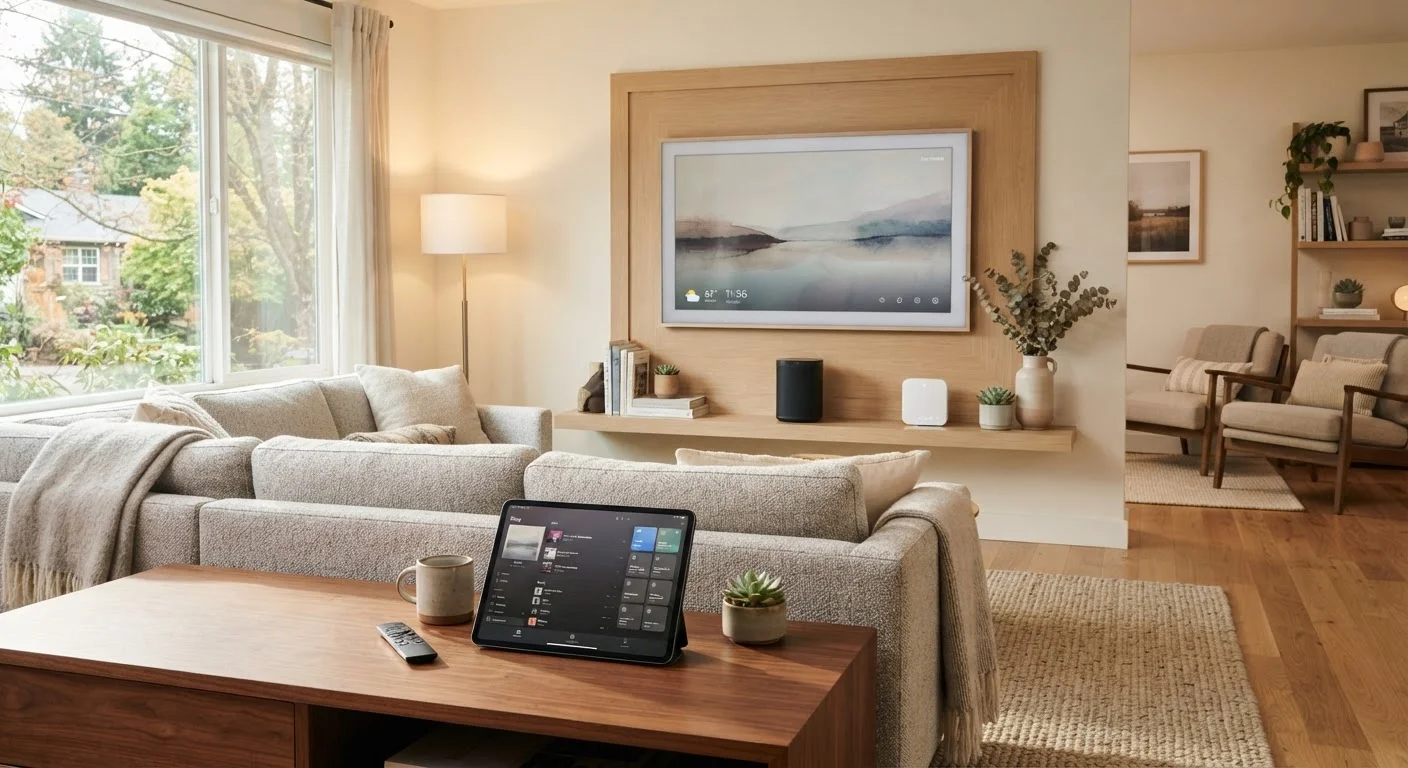
The living room tends to be where most households concentrate their tech - and also where cable clutter gets out of hand fastest. The core setup usually involves a television, a streaming device or smart TV platform, a sound system of some kind, and possibly a gaming console.
The most practical approach is to decide early whether your TV's built-in smart features meet your needs or whether a dedicated streaming device makes more sense. Built-in platforms vary widely in speed and long-term software support. External streaming sticks or boxes often receive more consistent updates.
For sound, even a modest soundbar is a noticeable improvement over built-in TV speakers. You don't need a full home theater system to get better audio - a single-unit soundbar paired with your TV handles most everyday listening well.
93%
U.S. adults with home internet access
According to Pew Research Center data, the vast majority of American adults now have home broadband or internet service of some kind.
4-5 devices
Average devices per U.S. household member
Industry estimates suggest the average American household connects multiple internet-capable devices per person, straining older single-router setups.
Cable management is underrated. Routing cables behind furniture or using simple cable channels keeps the space from feeling chaotic - and makes it easier to troubleshoot when something stops working.
Home Office: Reliability Over Bells and Whistles
A home office demands a different mindset than the rest of the house. Here, the goal is consistency - reliable internet, a clear display, and audio that doesn't embarrass you on video calls.
Prioritize a wired internet connection if at all possible. Even a short Ethernet cable run from a nearby router dramatically reduces dropped calls and buffering during video meetings. Pair that with a quality webcam and a headset or dedicated microphone, and you've addressed the three most common remote work complaints in one pass.
Monitor ergonomics matter here too: a screen positioned at eye level, proper lighting so you're not backlit during calls, and sufficient USB ports or a hub to avoid constantly swapping cables. Our home office tech setup guide goes deeper on each of these priorities if you work from home regularly.
Bedroom: Light on Tech, Heavy on Sleep Quality
The bedroom is where less is genuinely more. Research consistently links screen use before bed to disrupted sleep, so the tech here should serve rest - not compete with it.
A smart speaker or small display can double as an alarm clock and white noise source without the harsh glow of a phone. Smart lighting with a warm color temperature setting (often labeled 2700K-3000K) can ease the transition to sleep better than overhead LEDs left at full brightness.
Place your router at desk height or higher in a central room - not inside a cabinet. Routers broadcast in all directions and solid enclosures cut signal strength noticeably.
Wi-Fi signals are weakened by physical obstructions and reflective surfaces. Elevation and open placement consistently improve whole-home coverage.
Before buying any new smart device, check whether it requires a separate hub or only works within one specific app ecosystem - compatibility surprises are the number one source of smart home frustration.
Many entry-level smart home devices only function within proprietary platforms, which limits flexibility and can strand your investment if that platform changes.
If you use your phone as an alarm, consider keeping it on a charger across the room rather than on your nightstand. This one habit reduces late-night scrolling without requiring any new technology at all.
Keep entertainment - especially streaming or gaming - out of the bedroom if possible. If space requires it, set a routine rather than leaving devices always accessible.
Kitchen and Common Areas: Convenience That Fits Your Routine
Kitchens and hallways benefit from tech that disappears into the background. A small smart display on the counter can show recipes, timers, or the day's calendar without requiring you to touch your phone with floury hands. Smart plugs on countertop appliances let you set schedules or verify remotely that you actually turned the coffee maker off.
In common areas, consider what genuinely removes friction from daily life - rather than what looks impressive in a product demo. A video doorbell, for instance, adds real security and convenience. A voice assistant in a central location can handle timers, quick lookups, and music without anyone having to find their phone.
Be selective. Every connected device is something else to update, troubleshoot, and eventually replace. The case for and against a single smart home ecosystem is worth reading before you commit to any one platform across your whole home.
Planning Across Rooms: How It All Connects
Once you think room by room, a pattern emerges: every tech decision is really a question about your actual habits. What do you do in each space? What slows you down or frustrates you most? Tech that solves a real daily problem is worth the investment. Tech bought on impulse tends to collect dust.
Start with the network, add devices where they earn their keep, and revisit every six months to remove what isn't being used. If you've already got gadgets at home, you may find our guide to getting more from devices you already own surfaces features you didn't know were there.
The goal isn't a showroom - it's a home that runs more smoothly because the tech in it was chosen thoughtfully.


