

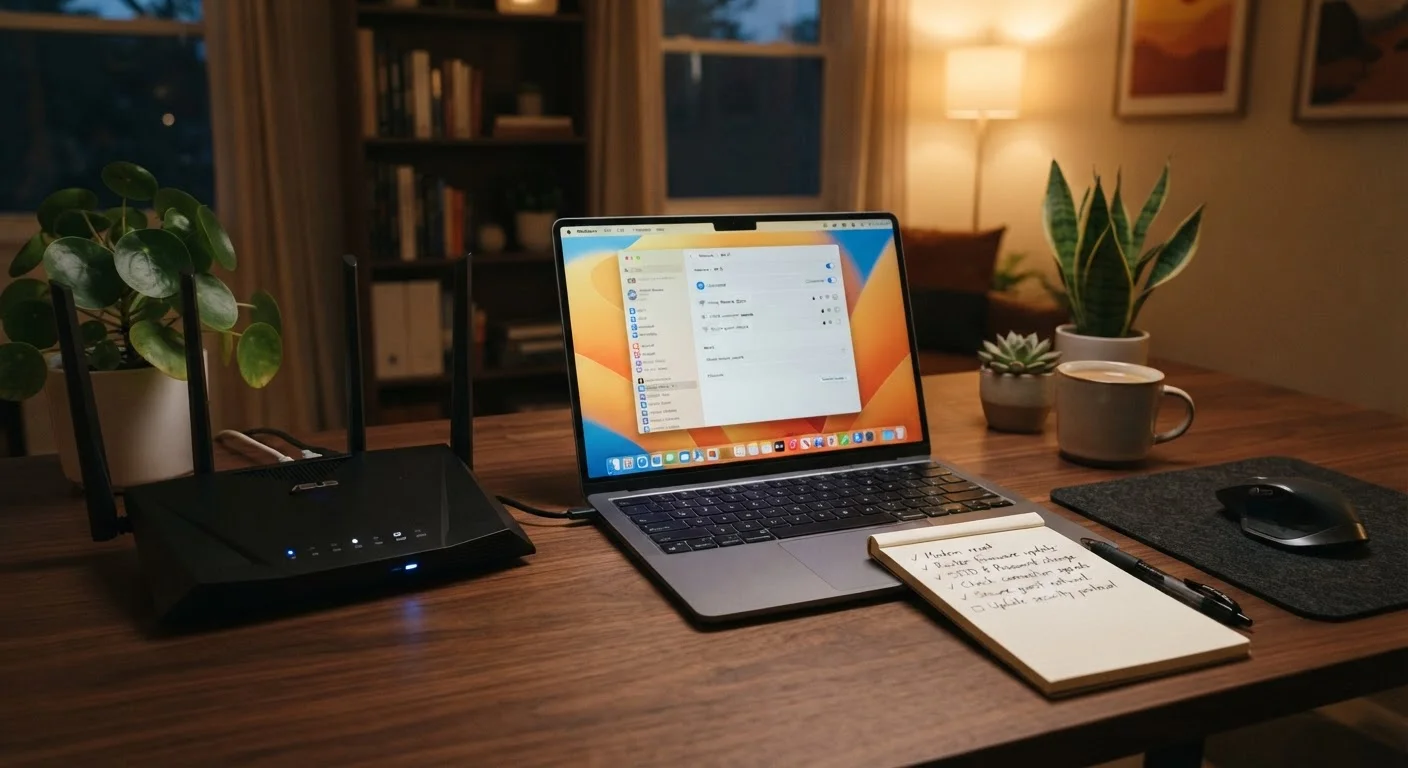
Why Your Home Network Deserves a Security Checkup
Your home Wi-Fi network is the backbone of nearly every connected device you own - your phone, laptop, smart TV, thermostat, security camera, and more. Yet most people set it up once and never look at it again. That's understandable; routers aren't exactly inviting to tinker with. But ignoring the settings for years means you may be running on outdated firmware, weak passwords, or configurations that were never secure in the first place.
This checklist is designed to help you identify and close the most common gaps in your home network security - no IT background required. Think of it as an annual physical for your Wi-Fi. It won't take long, and the payoff is real peace of mind.
If you want to go deeper on what your router's settings actually mean, our tour of router settings is a useful companion. For a broader view of your digital safety habits, you may also want to work through your personal online security audit checklist.
Your router's admin panel
The central hub for changing nearly every setting in this checklist - accessed via a browser using your router's IP address.
Password manager
Stores new strong passwords securely so you can use unique credentials without memorizing them.
Your router's manual or manufacturer website
Provides model-specific instructions for accessing settings and checking for firmware updates.
Network scanner app
Helps you see all devices currently connected to your network so you can identify anything unexpected.
How to Work Through This Checklist
Start by gathering the tools listed above. Set aside a quiet 30-60 minutes - you won't need to do everything at once, but working through it in a single session helps you catch issues that are related to each other. Most steps involve logging into your router's admin page, which typically requires entering an IP address (commonly 192.168.1.1 or 192.168.0.1) into your browser's address bar. Your router's manual or a sticker on the router itself will confirm the exact address and default login credentials.
Items marked must are non-negotiable baseline protections. Items marked should are strongly recommended for most households. Nice-to-have items add extra layers that are especially worthwhile if you work from home, have children online, or own many smart devices.
Write Down Your New Credentials Before Saving
Before you save a new router admin password or Wi-Fi password, write it down in a secure password manager or on paper kept in a safe place. If you lock yourself out of your router, you'll typically need to perform a factory reset - which erases all your settings and requires starting over from scratch. Taking 30 seconds to record credentials now prevents that headache.
Once you've completed the audit, note the date somewhere accessible - a calendar reminder every six to twelve months will prompt you to repeat the process. Threats and firmware updates evolve, so this isn't a one-and-done task. For guidance on securing the devices that connect to your network, see our piece on keeping everyday devices secure.
Router Access and Credentials
Firmware and Software Updates
Wi-Fi Network Settings
Connected Devices and Network Segmentation
Advanced Protections
Final Review and Documentation
After the Audit: Keeping Your Network Healthy
Completing this checklist is a meaningful step, but network security is an ongoing habit rather than a single event. A few practices will help you maintain what you've set up. Enable automatic firmware updates on your router if that option is available - it removes the burden of remembering to check manually. Review which devices are connected to your network every few months; an unfamiliar device is worth investigating.
It's also worth understanding that your home network and public networks carry different risk profiles. If you regularly connect to café or airport Wi-Fi, read our breakdown of public Wi-Fi risks to understand what's actually happening on those connections. Some users also consider a VPN as an additional layer; our balanced look at VPNs covers what they genuinely protect and where they fall short. For more tips on staying safe across all your digital activity, explore the Staying Safe Online hub.
A Security Audit Is Not a Guarantee
Working through this checklist significantly reduces your exposure to common home network threats, but no set of steps can eliminate all risk. Determined attackers, zero-day vulnerabilities, and user error can still create openings. Think of this audit as raising a strong baseline, not building an impenetrable wall. Staying informed and repeating the process regularly is the most reliable long-term approach.


