

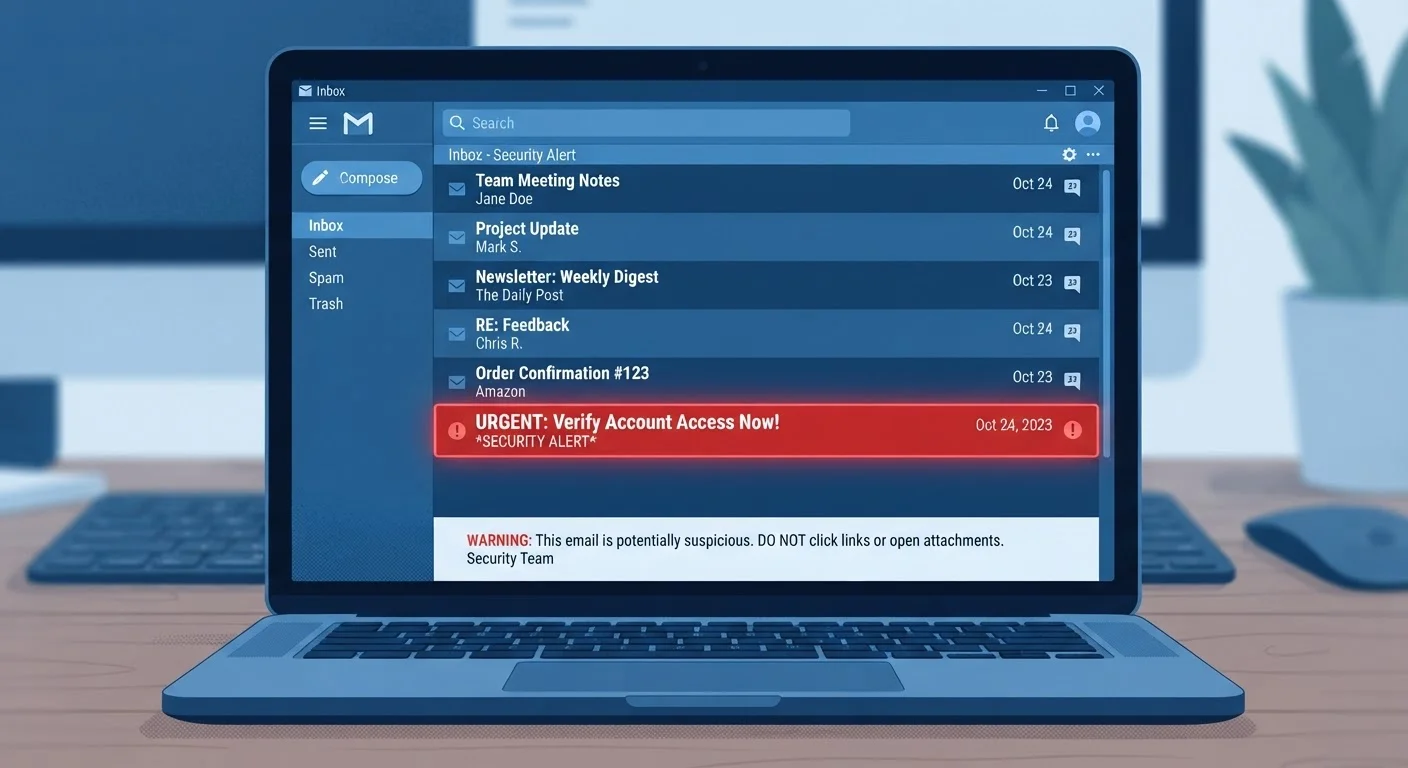
Why Phishing Emails Are Getting Harder to Spot
Scammers are no longer sending clumsy, typo-riddled messages that are easy to dismiss. Modern phishing emails can replicate the exact logos, fonts, and formatting of real organizations - from your bank to your favorite streaming service. The goal is always the same: trick you into clicking a link, entering your credentials, or handing over personal information.
What makes this especially tricky is that phishing relies on human psychology, not just technical tricks. Attackers engineer emails to trigger emotions - fear, curiosity, urgency - so you act before you think. Understanding that manipulative design is your first layer of defense. For a broader look at how these schemes operate, see how common online scams work.
Side-by-Side: What Each Type of Email Looks Like
Comparing specific traits side by side is the clearest way to train your eye. The table below highlights the most telling differences between phishing attempts and messages from legitimate sources.
| Criterion | Phishing Email | Legitimate Message |
|---|---|---|
| Sender address | Lookalike domain (e.g., paypa1.com) | Official company domain |
| Greeting | Generic ("Dear Customer") | Uses your registered name |
| Tone | Urgent, threatening, alarming | Informational, measured |
| Links | Mismatched or disguised URLs | Match official company domain |
| Information requests | Asks for passwords or card data | Rarely requests sensitive data by email |
| Attachments | Unexpected files included | Only when you've requested documents |
| Grammar and formatting | May contain errors or inconsistencies | Consistent, professional branding |
One of the most reliable checks is inspecting the sender's email address carefully - not just the display name. A phishing email might show "PayPal Support" as the sender name, but the actual address could be something like support@paypa1-alerts.com. That single character swap is easy to miss at a glance.
Red Flags That Signal a Phishing Attempt
Even well-crafted phishing emails tend to leave clues. Here are the most consistent warning signs to watch for:
- Urgent or threatening language: Phrases like "Your account will be suspended in 24 hours" are designed to override your better judgment.
- Generic greetings: Real companies that hold your account use your name. "Dear Valued Member" is a red flag.
- Mismatched or suspicious links: Hover your mouse over any link (without clicking) to see the actual destination URL in the bottom of your browser. If it doesn't match the company's official domain, don't click.
- Requests for sensitive information: Legitimate organizations do not ask for your password, Social Security number, or full credit card details via email.
- Unexpected attachments: An attachment you weren't expecting - even a PDF or Word document - can carry malware.
What to Do If You've Already Clicked
If you clicked a suspicious link but didn't enter any information, close the tab immediately and run a security scan on your device. If you did enter login credentials, change your password on that account right away and enable two-factor authentication if you haven't already. Notify the legitimate organization using contact details from their official website so they can flag any unusual activity on your account.
When you're unsure, the safest habit is to open a fresh browser tab and navigate directly to the company's official website rather than following any email link.
What Legitimate Emails Consistently Do
Real organizations follow predictable, reader-friendly patterns that scammers struggle to replicate convincingly at scale:
- They address you by your registered name, not a generic title.
- They send from verified domains that match the company's actual website (e.g., emails from @yourbank.com, not @yourbank-secure.net).
- They do not create artificial deadlines or threaten account closure as a first contact.
- They include clear ways to contact customer support that direct you to an official website.
- They rarely ask you to confirm personal details unless you've initiated a specific process, like a password reset you requested.
Pairing good email awareness with strong account security helps close the loop. For example, using an authenticator app instead of SMS codes adds an extra barrier even if a phisher does capture your password - see how authenticator apps compare to SMS codes for more on that.
3.4 billion
Phishing emails sent daily worldwide
According to cybersecurity research compiled by AAG IT Services, an estimated 3.4 billion phishing emails are sent globally every day.
36%
Of data breaches involve phishing
Verizon's Data Breach Investigations Report has consistently found phishing among the leading causes of confirmed data breaches across industries.


