

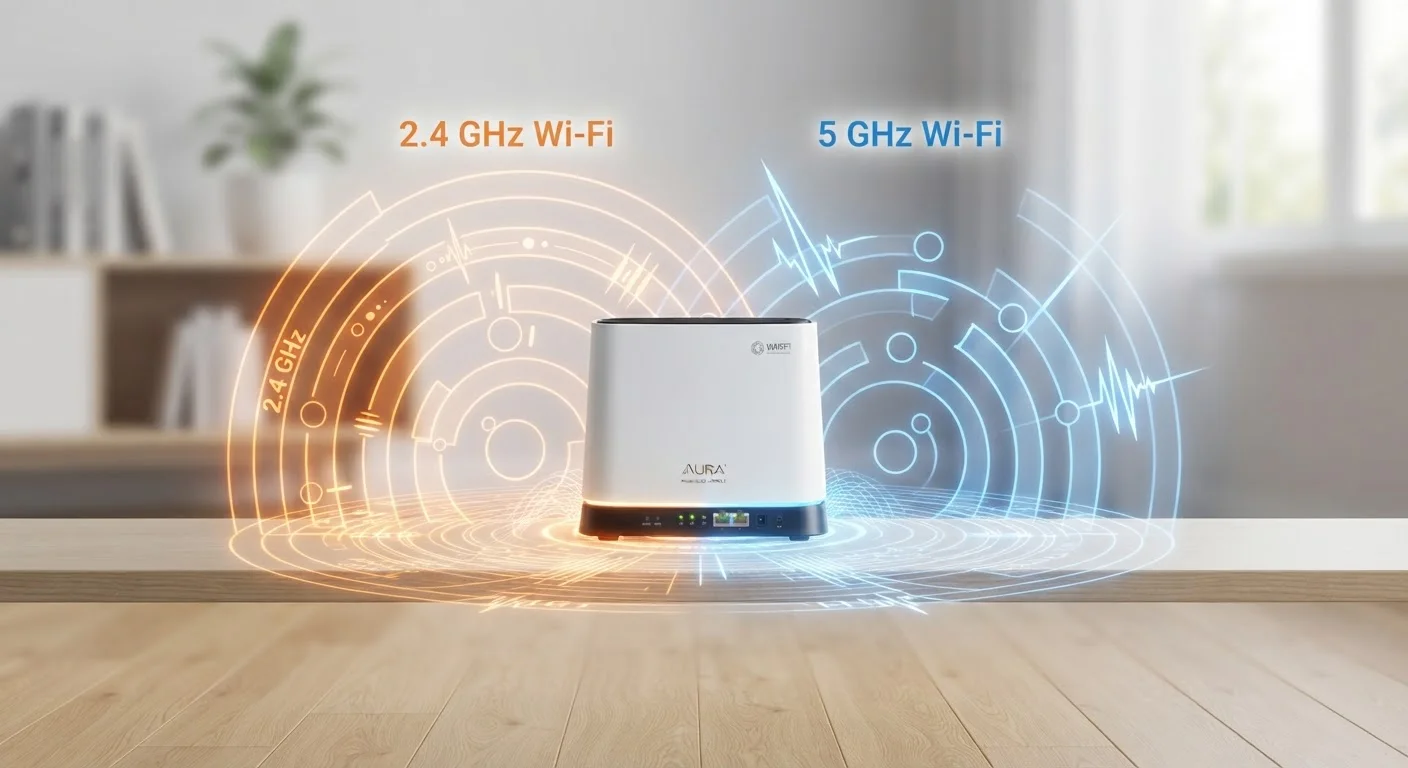
The Core Trade-Off: Range vs. Speed
The difference between 2.4 GHz and 5 GHz comes down to one fundamental trade-off: range versus speed. The 2.4 GHz band travels farther and passes through walls and floors more easily, but it moves data more slowly. The 5 GHz band is significantly faster, but its signal weakens quickly with distance and has more trouble penetrating solid obstacles.
Picture it this way: 2.4 GHz is like an AM radio signal - it covers a lot of ground. 5 GHz is more like a flashlight beam - powerful up close, but it fades fast and doesn't go around corners well.
Neither band is universally better. They're designed for different situations, and most households benefit from using both strategically.
~45 ft
Typical effective indoor range of 5 GHz
Signal strength varies significantly based on walls, interference, and router hardware - 5 GHz degrades faster with distance than 2.4 GHz.
3x
Approximate speed advantage of 5 GHz over 2.4 GHz
Under ideal conditions, 5 GHz can deliver significantly higher throughput - though real-world results depend on your router, device, and distance.
14
Number of channels available on 5 GHz (vs. 3 on 2.4 GHz)
More non-overlapping channels mean less interference on the 5 GHz band, especially in apartments or neighborhoods with many competing networks.
Which Devices Belong on Which Band
Matching your devices to the right band is the most practical thing you can do to improve your home Wi-Fi experience.
Good candidates for 2.4 GHz
- Smart home devices - thermostats, smart plugs, light bulbs, and door locks don't need fast speeds, and they're often located throughout the house far from the router.
- Devices in distant rooms - a laptop in the basement or a tablet in the backyard will hold a steadier connection on 2.4 GHz.
- Older electronics - many older devices only support 2.4 GHz anyway.
Good candidates for 5 GHz
- Streaming devices - a 4K TV or streaming stick in the same room as your router will get noticeably smoother playback.
- Video calls and online gaming - these benefit from low latency and higher bandwidth. See our guide on bandwidth for streaming and gaming for more context on how much speed these activities actually use.
- Laptops and phones near the router - if you're in the same room, 5 GHz will consistently outperform 2.4 GHz.
Why 2.4 GHz Can Feel Congested
One often-overlooked downside of 2.4 GHz is interference. Because it's been the standard Wi-Fi band for decades, it shares airspace with many other household devices - microwave ovens, Bluetooth gadgets, baby monitors, and your neighbors' routers all broadcast in similar frequency ranges. That congestion can slow things down and cause inconsistent connections.
The 5 GHz band has more available channels and less interference from non-Wi-Fi devices, which is part of why it tends to feel faster and more reliable in dense environments - even before you account for raw speed.
What About 6 GHz?
Newer routers using the Wi-Fi 6E or Wi-Fi 7 standards add a third band at 6 GHz, which offers even faster speeds and less congestion. However, only newer devices support 6 GHz, and it has an even shorter effective range than 5 GHz. For most households, understanding 2.4 GHz vs. 5 GHz is still the most practically useful starting point.
If your home network is struggling and you're not sure where to start, our article on Wi-Fi dead zones and how to fix them covers some of the common culprits beyond just frequency bands.
How to Put This Into Practice
Most modern routers make it fairly simple to take advantage of both bands. Here are a few practical steps:
- Log into your router's settings - usually accessible by typing an IP address like 192.168.1.1 into your browser. Your router's documentation or the label on the back will have the exact address and login details.
- Identify whether your router broadcasts separate SSIDs (network names) or a single merged one. If they're separate, you'll see names like "HomeNetwork" and "HomeNetwork_5G."
- Manually assign bandwidth-hungry devices to 5 GHz when they're within good range of your router, and move low-demand or far-away devices to 2.4 GHz.
- Consider your home's layout. Multi-story homes or those with thick concrete walls may benefit from dedicated coverage solutions. Our article comparing mesh Wi-Fi and range extenders explains options for improving coverage throughout your home.
If you want to avoid managing wireless settings entirely, a wired Ethernet connection for stationary devices like desktop computers or gaming consoles is still one of the most reliable choices you can make.


