

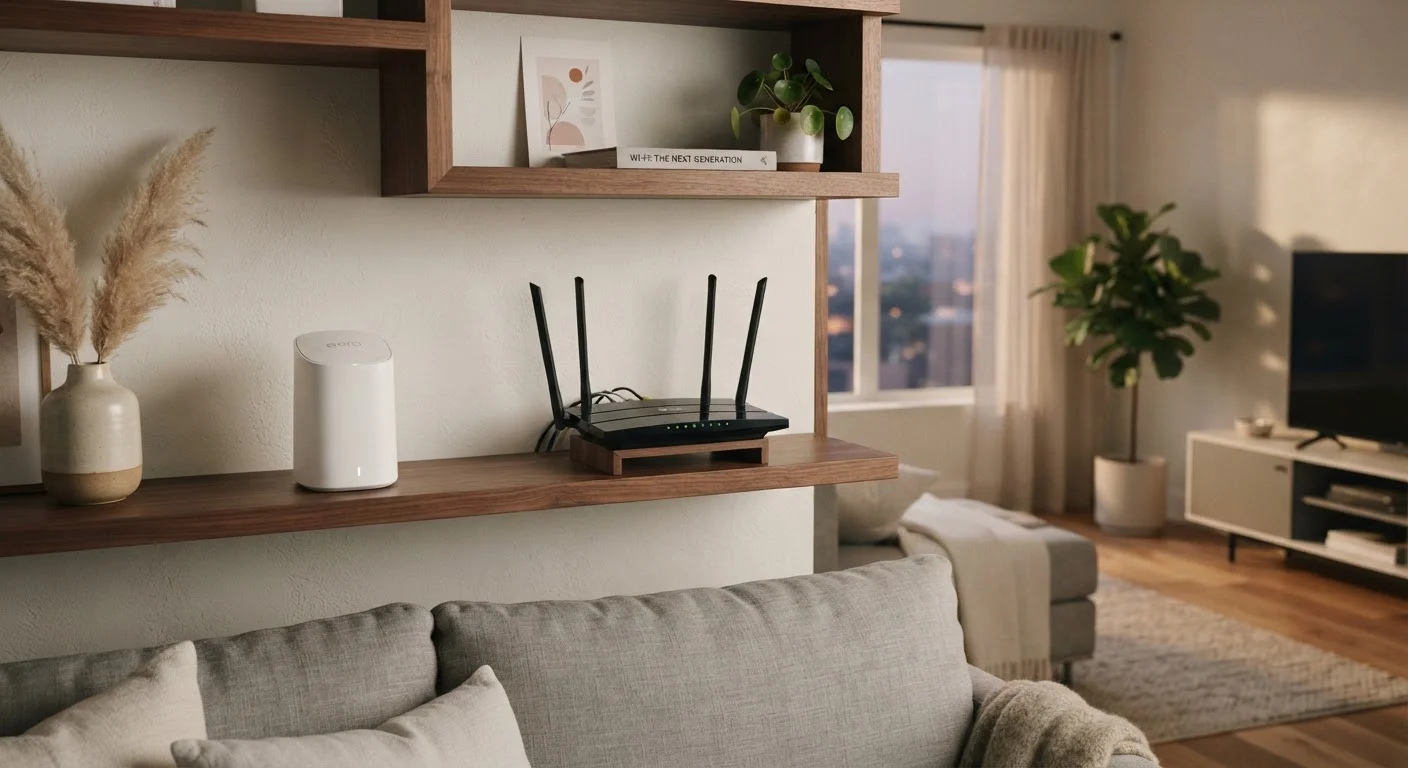
How Each Technology Actually Works
Before deciding between the two, it helps to understand what's happening under the hood. If you want a broader foundation first, see how routers and modems work before diving in here.
A Wi-Fi range extender (sometimes called a repeater or booster) plugs into a wall outlet, picks up your router's existing signal, and rebroadcasts it. Think of it like a megaphone - it amplifies what's already there. The catch is that most extenders communicate with your router and your devices on the same wireless channel. That means they're doing two jobs at once, which typically cuts the available bandwidth roughly in half in the extended zone.
A mesh Wi-Fi system works differently. It replaces your standalone router with two or more nodes - small units you place around your home. These nodes communicate with each other over a dedicated connection (either a separate wireless band or, in some models, an ethernet backhaul cable). The result is a single, unified network that your devices connect to seamlessly, rather than several overlapping networks competing for attention.
| Criterion | Mesh Wi-Fi System | Wi-Fi Range Extender |
|---|---|---|
| Network name | Single unified network | Separate extended network |
| Roaming between zones | Automatic, seamless | Manual switch often required |
| Bandwidth impact | Minimal with dedicated backhaul | Can cut speed roughly in half |
| Setup complexity | Moderate (app-guided) | Low (plug and play) |
| Upfront cost | Higher | Lower |
| Best home size | 2,000+ sq ft, multi-story | Smaller homes, one dead zone |
| Scalability | Add nodes as needed | Limited, each is standalone |
The Roaming Problem: Why It Matters More Than You Think
One of the most frustrating real-world issues with range extenders is roaming. Because an extender creates a separate network name (even if it looks similar to your main one), your phone or laptop often "holds on" to the weaker signal from the original router rather than switching over to the extender - even when you're standing right next to it.
Mesh systems solve this by design. All nodes share the same network name and credentials. A protocol called BSS-TM - or simply "smart roaming" - lets your device hand off seamlessly from one node to the next as you move through your home. You never have to manually reconnect.
For households with lots of smart home devices, streaming sticks, or work laptops that move between rooms, that seamless handoff is a genuine quality-of-life improvement. For someone who parks their laptop at a desk all day, it may matter very little.
~50%
Bandwidth loss typical with single-band extenders
Single-band extenders that share one channel for receiving and transmitting can reduce throughput by approximately half in the extended zone, according to general wireless networking principles.
2,000 sq ft
Home size where mesh typically outperforms extenders
Networking experts and consumer technology publications commonly cite homes above this threshold as candidates where mesh systems provide a meaningful advantage over extenders.
Side-by-Side: Where Each Option Wins and Loses
Neither solution is universally superior - the right fit depends heavily on your home's layout and how you use your network. To understand why certain rooms are problems to begin with, the article on Wi-Fi dead zones and their causes explains the common culprits.
Extenders shine in one specific scenario: a single dead zone in an otherwise well-performing home. If your router is solid and you just need signal to reach the garage or a back bedroom, an extender can get the job done without replacing anything. Setup usually takes under ten minutes.
Mesh systems earn their price tag in larger homes - roughly 2,000 square feet and up - multi-story layouts, or any home with thick concrete or brick walls. They also scale well: most systems let you add a third or fourth node later if your coverage needs change. And because your whole home is on one network, managing connected devices through a single app is generally simpler.
Worth noting: if raw speed at a single fixed location is your priority, a wired ethernet connection still outperforms both wireless options. See when ethernet still wins for more on that trade-off.
Powerline Adapters: A Third Option Worth Knowing
If your home has older wiring or Wi-Fi signal struggles to penetrate thick walls, powerline adapters offer an alternative. These devices send network data through your home's existing electrical wiring, connecting your router at one outlet and a secondary access point at another. Performance varies based on wiring age and circuit layout, but it can be a useful middle ground between extenders and a full mesh system.
Making the Right Call for Your Home
A few practical questions can point you in the right direction:
- How large is your home? Homes under 1,500 square feet with an open floor plan often do fine with a good router plus one extender. Larger or more complex layouts generally benefit from mesh.
- How many devices are you connecting? Heavy households - streaming on multiple TVs, video calls, gaming, and smart home gadgets all at once - will notice the performance difference that mesh consistency provides.
- Do you move devices around? If you carry a laptop or tablet from room to room throughout the day, seamless mesh roaming reduces friction. If your devices stay put, extenders are adequate.
- What's your budget? Extenders are generally less expensive upfront. Mesh starter kits cost more, though prices have come down considerably as the technology has matured.
Also consider your Wi-Fi bands. Understanding the difference between 2.4 GHz and 5 GHz can help you get more out of whichever solution you choose, since both extenders and mesh nodes use these same frequencies.
There's no single correct answer - but armed with an honest look at your home's size, your daily habits, and your budget, the right choice becomes much clearer.


